
Home/Support
Support
Remote help and drivers.
Start a remote session when one of our technicians asks you to, or find the driver for your machine below.
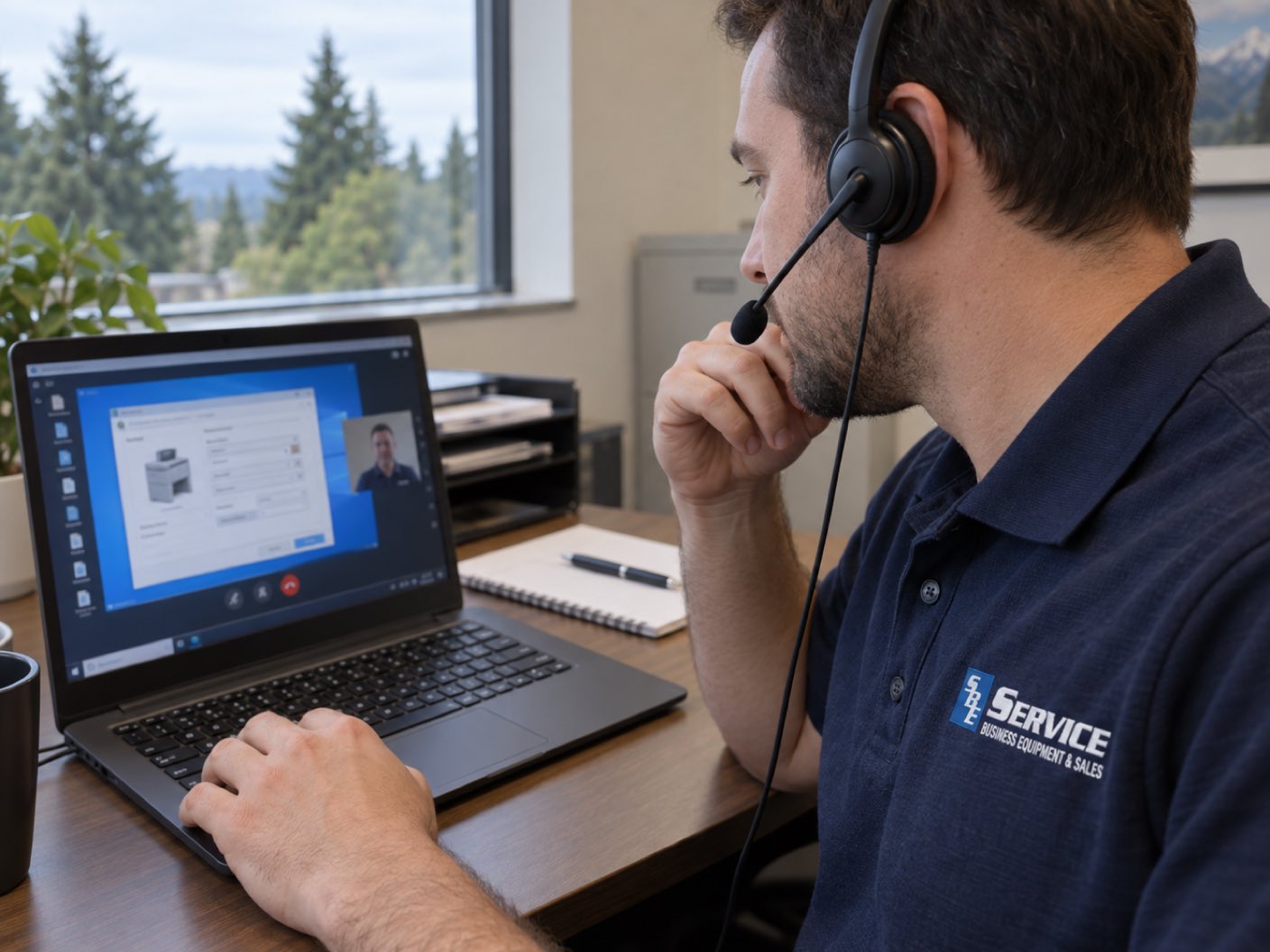
Remote support
Opens our remote support page, where a technician can connect to your computer and fix the problem with you.
Printer and copier drivers
Each link goes to the manufacturer's own download page. Have your model number ready; it is usually printed on the front or top of the machine.
- Konica MinoltaDrivers and downloads ↗, opens the manufacturer’s site in a new tab
- LexmarkDrivers and downloads ↗, opens the manufacturer’s site in a new tab
- BrotherDrivers and downloads ↗, opens the manufacturer’s site in a new tab
- CanonDrivers and downloads ↗, opens the manufacturer’s site in a new tab
- HPDrivers and downloads ↗, opens the manufacturer’s site in a new tab
- KyoceraDrivers and downloads ↗, opens the manufacturer’s site in a new tab
- RicohDrivers and downloads ↗, opens the manufacturer’s site in a new tab
- SharpDrivers and downloads ↗, opens the manufacturer’s site in a new tab
- ToshibaDrivers and downloads ↗, opens the manufacturer’s site in a new tab
- XeroxDrivers and downloads ↗, opens the manufacturer’s site in a new tab
Tell us what the machine is doing.
Have the make and model from the front of the machine handy. Or email randy@greatcopiers.net.
Every brand, whoever sold it to you
Updated September 2026